How to Use Google Drive Step by Step
Google Drive is a cloud storage and collaboration platform that lets you store files, access them from any device, and collaborate in real time. This guide walks you through everything a beginner needs — from…
This category focuses on helping you understand and use different software and apps. Whether you’re learning to use Microsoft Word or mastering Gmail, you’ll find step-by-step guides to improve your skills.
Google Drive is a cloud storage and collaboration platform that lets you store files, access them from any device, and collaborate in real time. This guide walks you through everything a beginner needs — from…
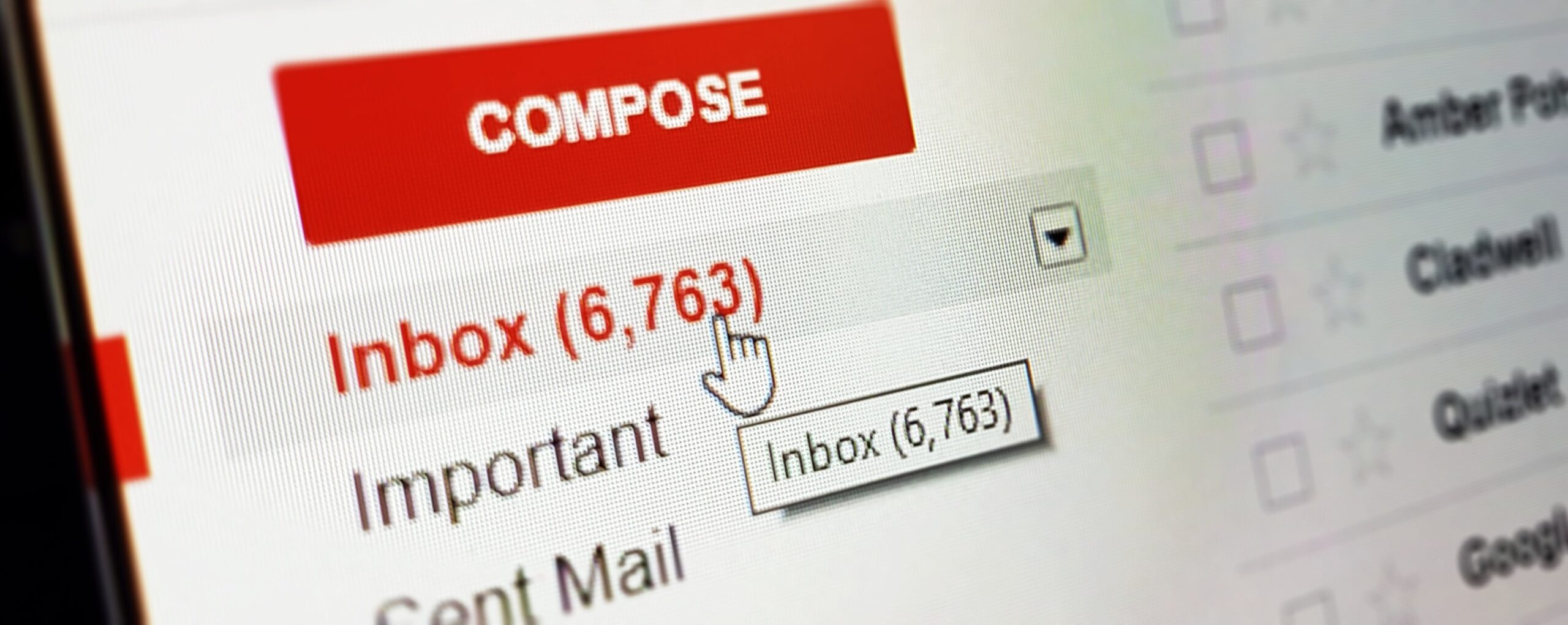
Gmail is one of the world’s most popular email services because it’s fast, secure, and packed with powerful features. Most people only use the basics—sending and receiving emails—but Gmail can do much more if you…
Installing apps is one of the first things every smartphone user learns, but doing it safely is just as important as doing it correctly. Unsafe apps can slow your phone, steal your data, show harmful…
Microsoft Word is one of the most widely used tools for writing, editing, and formatting documents. Whether you are preparing a school assignment, creating a resume, writing a letter, or drafting a report, Word gives…
WhatsApp is one of the most popular messaging apps in the world. It’s fast, simple, free, and works on almost every smartphone. Whether you want to chat with friends, share photos, make calls, or join…
Zoom is one of the simplest and most popular video-calling platforms used for meetings, online classes, job interviews, webinars, and virtual hangouts. Even if you’re completely new to video conferencing, this guide will walk you…